[ For F-commerce sellers ]
Know what sells before you stock it
স্টক করার আগেই জানুন কী বিক্রি হচ্ছে
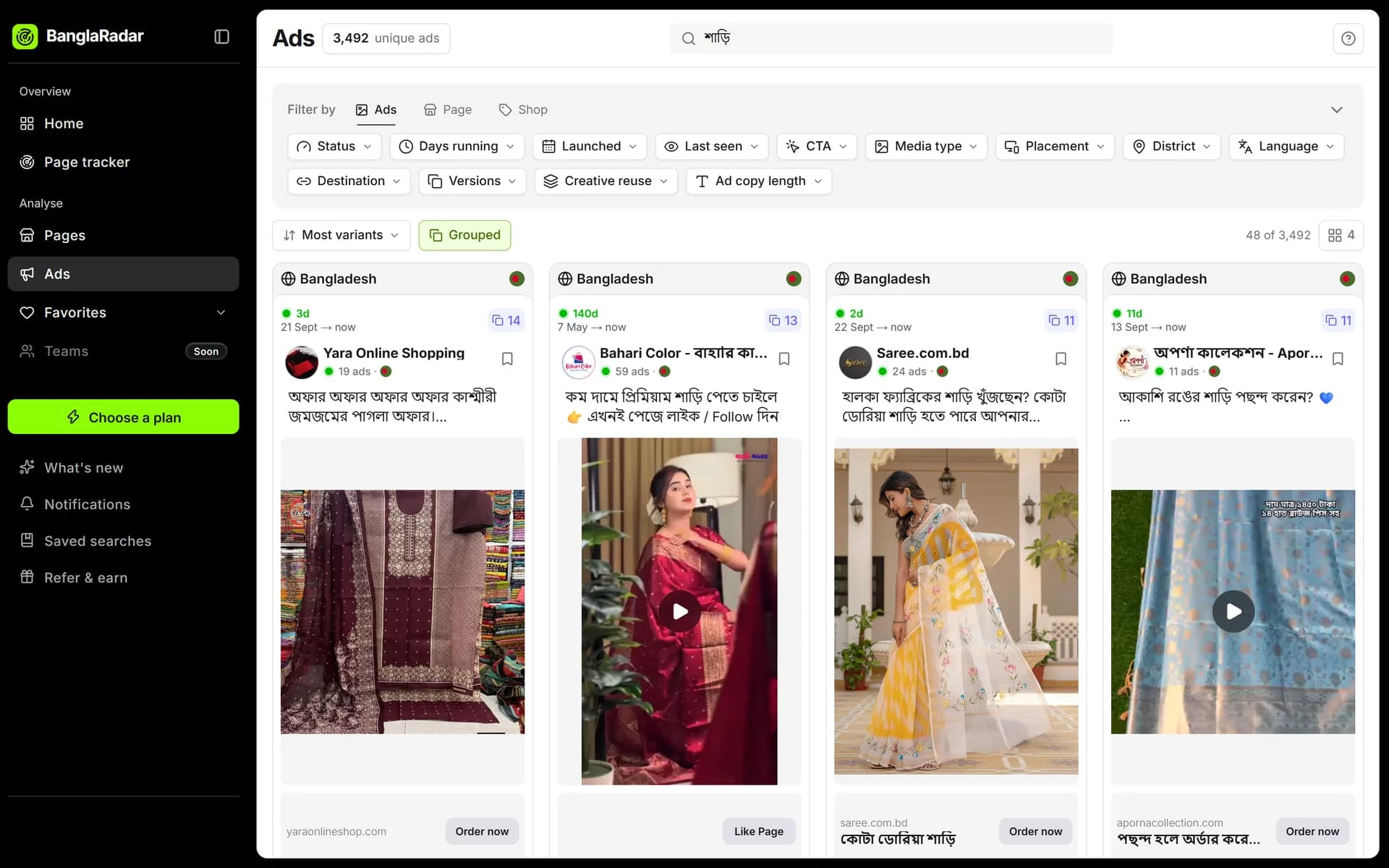
See which products other Facebook shops keep paying to advertise, what they charge, and how they pitch it, before you spend on inventory.
[ The problem ]
What gets in the way today
Stocking on a hunch
You find out a product doesn't sell after the money is already in the warehouse.
Pricing in the dark
Most shops say 'inbox for price', so you never see the market rate.
Competitors you can't see
Facebook shows you a handful of ads at random, not what a rival runs every day.
[ The workflow ]
How it works in BanglaRadar
- 1
Search the product
Type it in Bangla or English. Spaced and unspaced spellings match, so 'হানি নাট' finds 'হানিনাট' too.
- 2
Sort by longest running
An ad that has run for months is paying for itself. Those are the products worth a closer look.
- 3
Read the pitch and the price
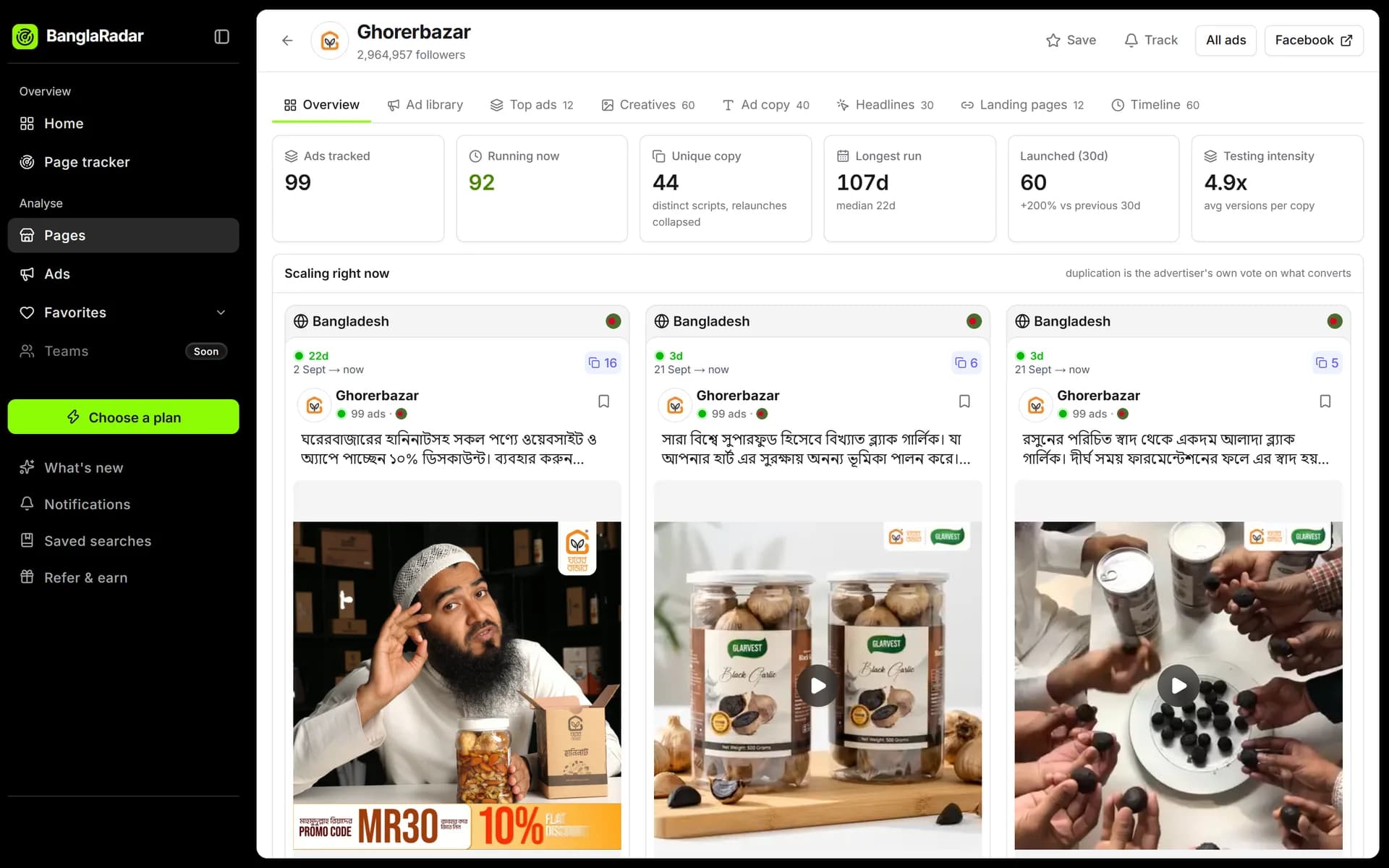
Open the ad copy, headlines and landing pages to see how sellers position it and what they charge.
- 4
Track the top shops
Add the strongest sellers to your tracker and get an email when they launch something new.
- Bangla-aware search
- Longest-running sort
- Advertiser analysis
- Page tracker
Your competitors are already advertising.
See exactly what.
Start free. No card needed. Upgrade when you need more searches.